What is Robotaxi?
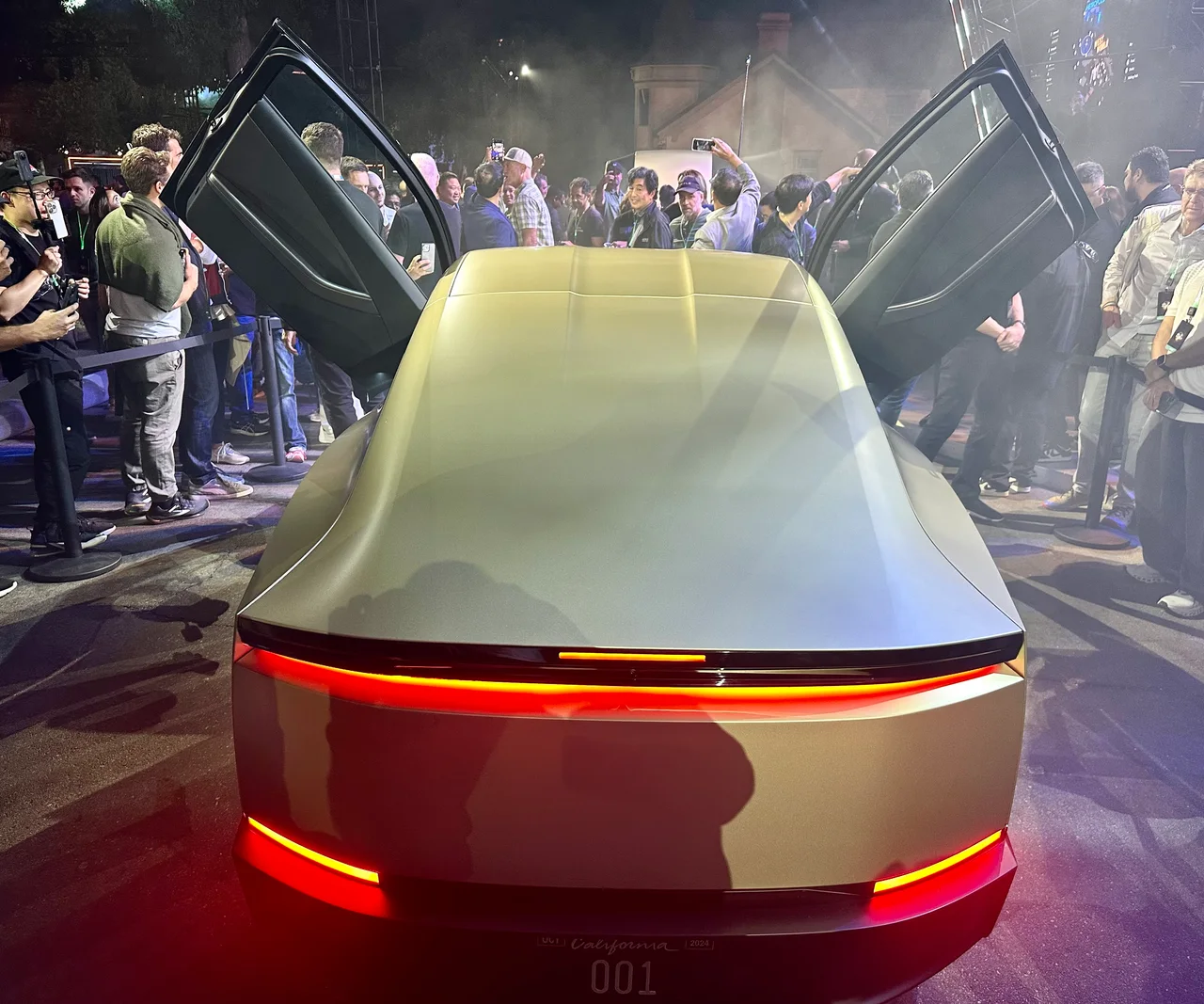
Tesla describes Robotaxi as an app-based driverless ride service. Its support page lists Model Y and Cybercab vehicles and limited service areas in Austin, Dallas, Houston, Miami, Orlando and Tampa. The app shows the service boundary for a destination; availability and operating hours vary. That is a local service footprint, not a promise that every Tesla can operate without a driver anywhere.
Read the official source ↗What does a passenger actually do?
Tesla’s instructions describe a familiar flow: sign in, enter a destination, review the estimated fare and wait, and confirm. At pickup, match the vehicle’s number plate to the app. The trip starts through the app or touchscreen. Tesla says riders can see progress, contact support, and request a pull-over or stop. The useful product-design question is whether these actions remain obvious when someone is unfamiliar with the service.
Read the official source ↗Robotaxi and FSD are different products
Tesla says FSD (Supervised) requires an attentive driver and does not make a personally owned vehicle autonomous. Its features can depend on hardware, software and region. A report about Robotaxi therefore should not be treated as permission to stop supervising a car equipped with FSD. Keep the specific product, operating conditions and driver responsibilities attached to every claim about autonomy.
Read the official source ↗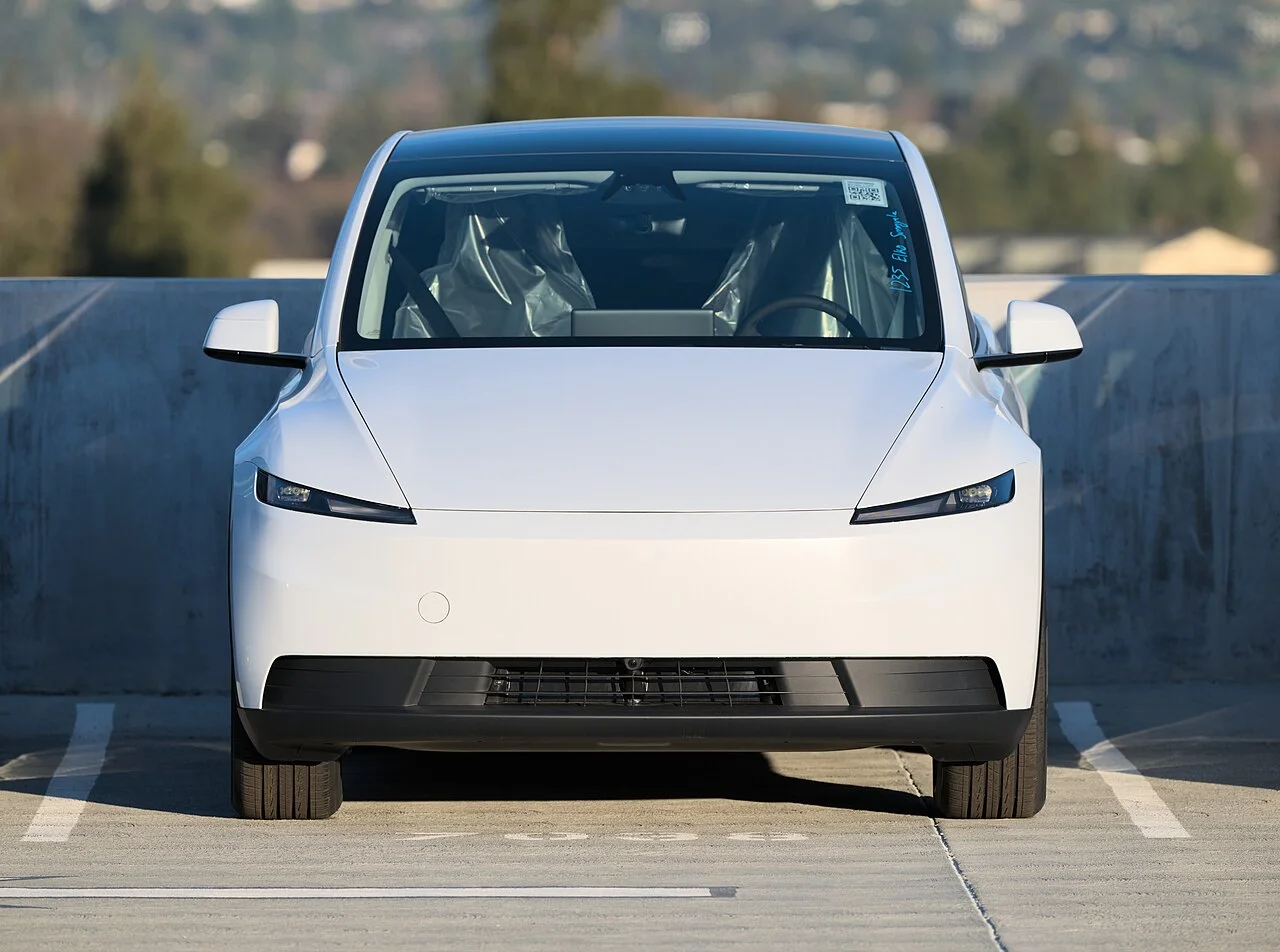
What the interface can teach product teams
The interpretation here is about design, not vehicle performance. Booking a ride is a sequence of decisions: can I use it, what will it cost, where do I wait, and what happens next? A good interface answers those questions at the point of action. It also gives people a visible way to cancel or ask for help. These details are easy to overlook in a launch demonstration, yet they shape the everyday experience.
What to check before drawing conclusions
Separate a demonstration from an available service, and a company description from independent evidence. Check the date, location, vehicle and conditions behind a claim. This article uses Tesla’s documentation to explain the product flow; it does not establish the system’s safety or reliability and is not a hands-on review. Coverage and features can change, so use the linked documentation for the latest operating details.
The lesson for a business website
A contact or booking flow needs the same clarity at a smaller scale. Explain what a submission does, show an honest status, and give visitors a useful recovery step if it fails. Do not show a success animation before the server confirms receipt. The technology may attract attention, but understandable actions and dependable feedback are what make a digital experience worth returning to.
Sources & references
- Tesla Support — Robotaxi ↗
Company source for fleet, coverage, booking steps and passenger controls. Not independent safety evidence.
- Tesla Support — Full Self-Driving (Supervised) ↗
Company source for active-supervision requirements and feature limitations.